How to Record System Audio With Screen Capture on Windows
Capture Windows system audio and microphone together with your screen recording. Troubleshooting tips and demo workflows using Pixcreen.
Read guideIn-depth guides on creating high-converting product demo videos, auto zoom techniques, offline captions, and video creation workflows.
Browse our collection of creator guides. Learn how to record crisp screen demos, apply smooth cursor zooms, generate offline captions, and export water-mark-free MP4 & GIF files.
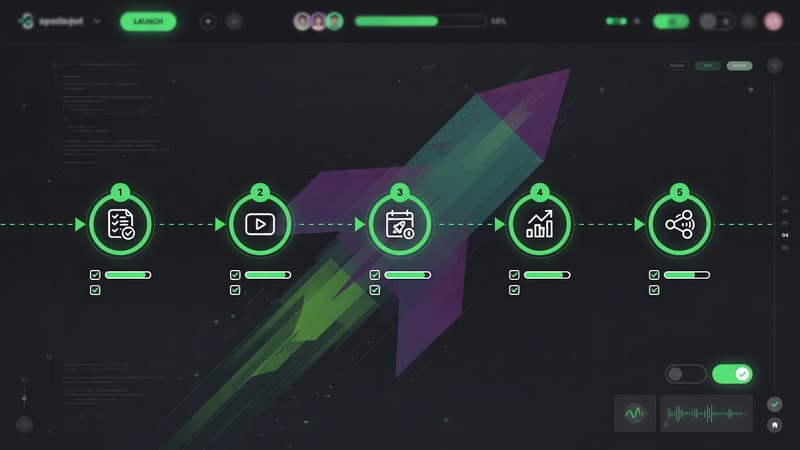
A repeatable product launch video workflow: script, capture, zoom, captions, export, and distribution—with free tools like Pixcreen.
Read Featured Guide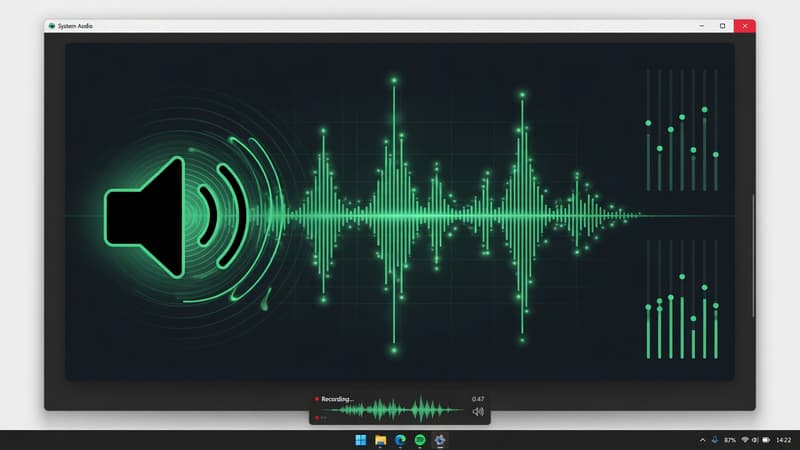
Capture Windows system audio and microphone together with your screen recording. Troubleshooting tips and demo workflows using Pixcreen.
Read guide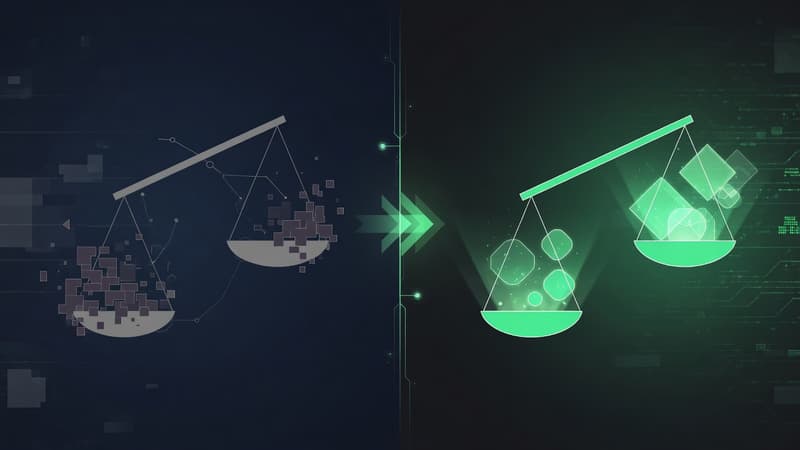
Compare Pixcreen and Screen Studio on price, platforms, zoom, captions, licensing, and demo workflows so you can choose the right tool.
Read guide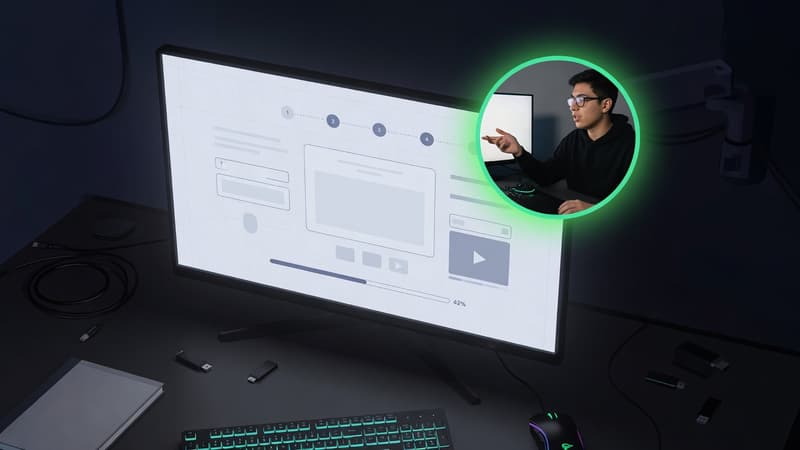
Add webcam picture-in-picture to product demos without clutter. Placement, mirroring, shapes, and scripting tips using Pixcreen.
Read guide
Choose the right export format for X, LinkedIn, docs, and landing pages. Learn MP4 vs GIF tradeoffs and social-ready settings for Pixcreen demos.
Read guide
A practical shortlist of open-source screen recording options, what each is good for, and when Pixcreen is the right demo-first choice.
Read guide
Generate captions for product demos without uploading audio. Learn why offline, on-device captions improve privacy, speed, and SEO accessibility.
Read guide
Learn how auto zoom works in screen recording tools, when manual zooms win, and how to create focus-driven product demos with Pixcreen.
Read guide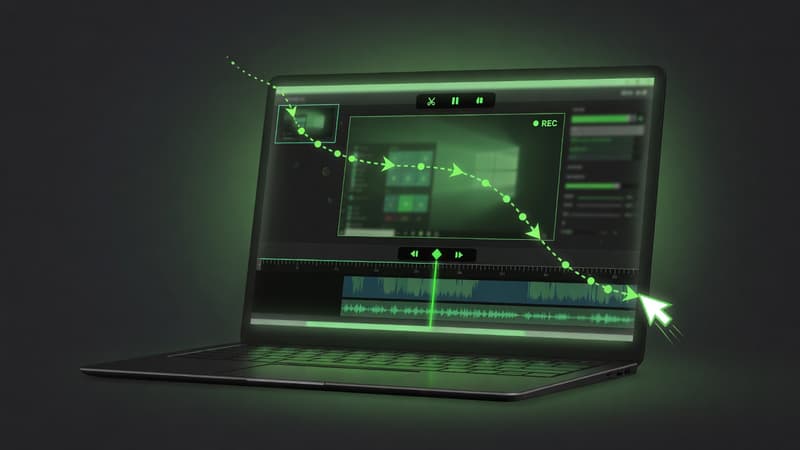
Step-by-step guide to recording clean product demos on Windows with native capture, mic, system audio, zoom, and MP4 export using Pixcreen.
Read guide
Looking for a free Screen Studio alternative? Compare the options and see why Pixcreen ships polished product demos with no subscription.
Read guide