Pixcreen vs Screen Studio: Honest Comparison (2026)
Compare Pixcreen and Screen Studio on price, platforms, zoom, captions, licensing, and demo workflows so you can choose the right tool.

Direct answer: Screen Studio is a polished paid product with a mature Mac-centric creator ecosystem. Pixcreen is a free, open-source alternative focused on the same demo outcomes—record, zoom, polish, export—without subscriptions or watermarks. Pick based on budget, OS, and how much pro polish you truly need.
Side-by-side overview
| Dimension | Screen Studio | Pixcreen |
|---|---|---|
| Price | Paid subscription / license | Free (MIT) |
| Source | Closed | Open on GitHub |
| Platforms | Strong Mac focus historically | Windows, macOS, Linux |
| Watermark | N/A on paid | Never |
| Core demo tools | Excellent | Strong core set |
| Captions | Product-dependent | On-device offline |
| Support | Commercial | Community + public issues |
Where Screen Studio may win
- You want maximum preset polish and are happy to pay
- Your team standardizes on one paid vendor
- You need commercial support expectations
Where Pixcreen may win
- Budget is zero by design
- You need Windows/Linux parity
- You want to audit code or contribute
- Commercial use must stay free
- Captions should not leave the device
Feature honesty
Pixcreen does not claim 1:1 feature parity with every Screen Studio capability. It optimizes the 80% demo workflow:
- Capture screen/window
- Mic + system audio
- Webcam PiP
- Auto/manual zoom
- Cursor polish
- Timeline trim/speed
- Backgrounds & annotations
- MP4/GIF export
If that is your job, free is rational.
Who should switch
Switch to Pixcreen if you:
- Outgrew freemium watermarks elsewhere
- Publish frequent short demos
- Prefer open tooling culture
Stay on Screen Studio if paid polish is already ROI-positive for your brand.
Migration tips
- Rebuild your top 3 demo templates in Pixcreen.
- Match aspect ratios you already use on social.
- Save
.pixcreenprojects as your new masters. - Keep one paid tool only if a gap is material—not habitual.
Bottom line
This is not “good vs evil.” It is paid convenience vs free ownership. For many indie builders in 2026, Pixcreen is enough—and the price is hard to beat.
Try Pixcreen free
Open-source demo recorder — no watermark, no subscription.
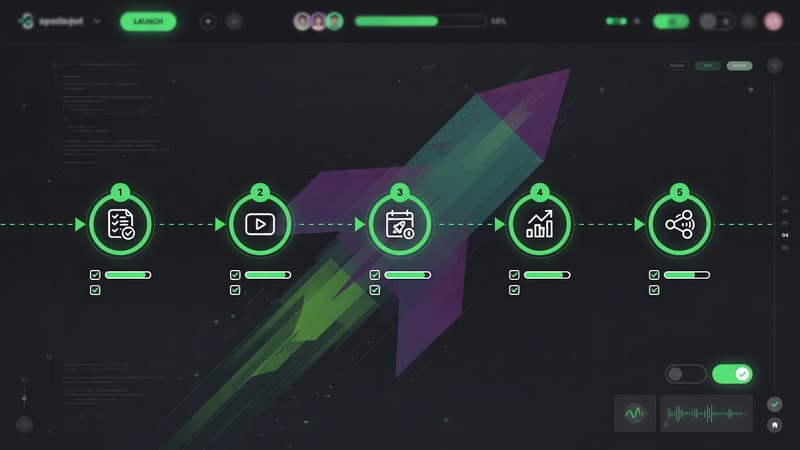 Product Launch Video Workflow: From Script to Export
 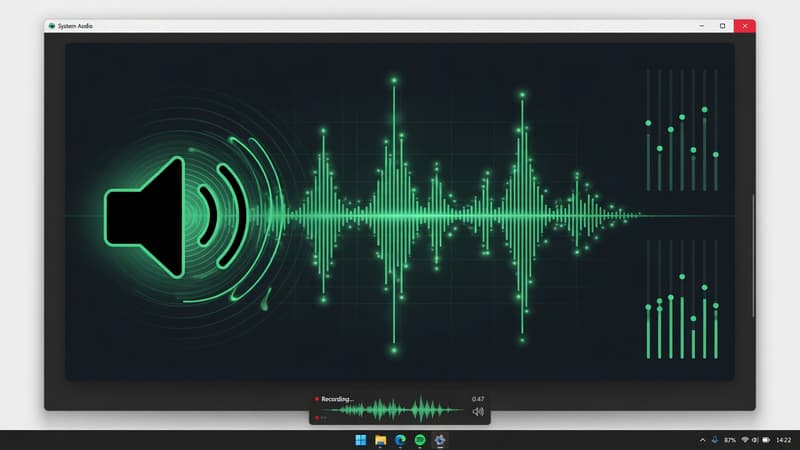 How to Record System Audio With Screen Capture on Windows
 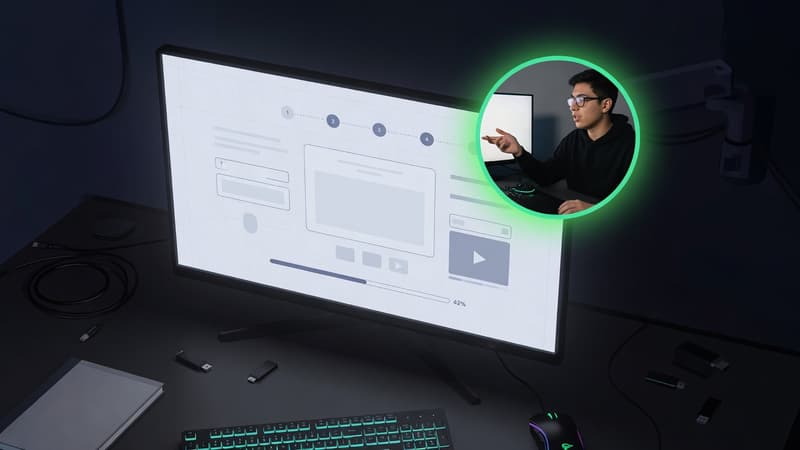 Webcam PiP for Product Walkthroughs: A Practical Setup