webcam · picture in picture · walkthrough · presentation
Webcam PiP for Product Walkthroughs: A Practical Setup
Add webcam picture-in-picture to product demos without clutter. Placement, mirroring, shapes, and scripting tips using Pixcreen.
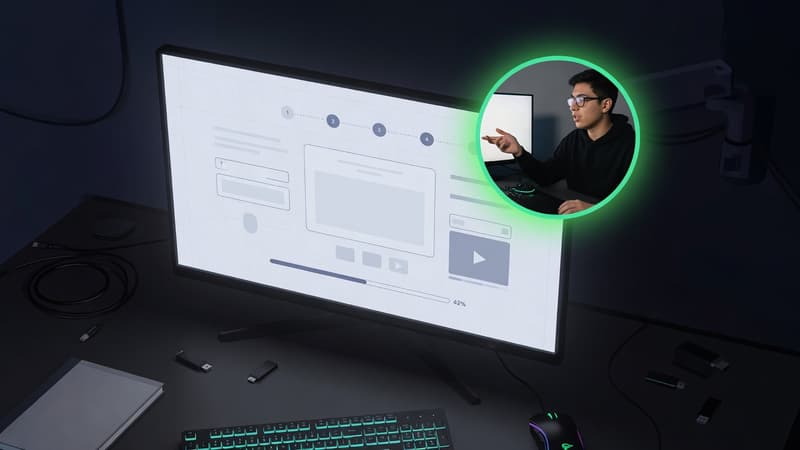
Direct answer: Webcam picture-in-picture (PiP) builds trust in product walkthroughs. Place it where it never covers CTAs, keep lighting consistent, and mirror only when it helps demos feel natural. Pixcreen supports drag position, mirroring, and shape options.
When webcam helps (and hurts)
Use webcam when:
- Founder-led launches
- Complex UI needs human reassurance
- Teaching, not just showing
Skip webcam when:
- Pure UI micro-interactions under 10 seconds
- Dense dashboards where face steals pixels
- Privacy-sensitive internal tools
Placement rules
- Bottom-right is default—but move if charts live there.
- Keep a margin from edges (safe area for mobile crops).
- Size for face readability, not vanity.
- Never cover primary buttons or code.
Lighting and background
- Face a window or soft lamp; avoid harsh overhead only.
- Clean or blurred background beats visual noise.
- Match your brand color subtly in wardrobe if filming often.
Mirroring and shapes
- Mirroring can feel more natural for presenters pointing left/right—test both.
- Circle/rounded shapes feel modern; rectangles feel utilitarian.
- Consistency across a video series matters more than novelty.
Scripting with a face on camera
Speak in short beats:
- What pain exists
- What you click
- What changed
Silence while navigating is fine—do not narrate every pixel.
Technical checklist in Pixcreen
- Webcam enabled before record
- Correct camera device selected
- PiP not overlapping key UI
- Audio levels balanced with mic
- Export reviewed on phone screen
Human presence converts skepticism into curiosity. Use PiP as a trust layer, not decoration.
Try Pixcreen free
Open-source demo recorder — no watermark, no subscription.
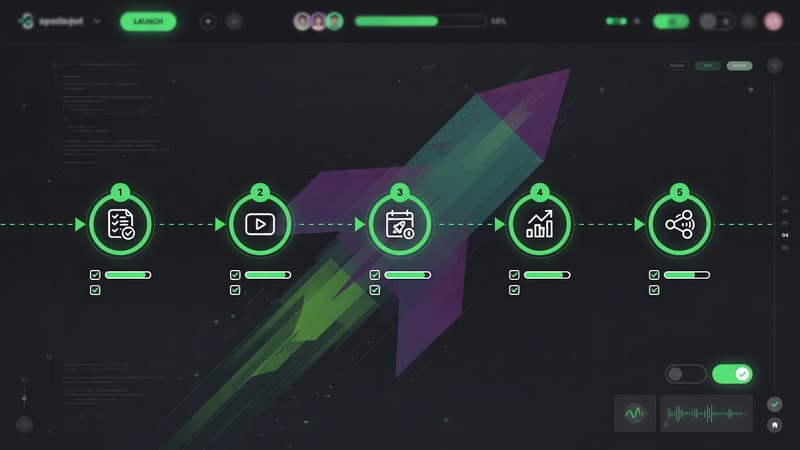 Product Launch Video Workflow: From Script to Export
 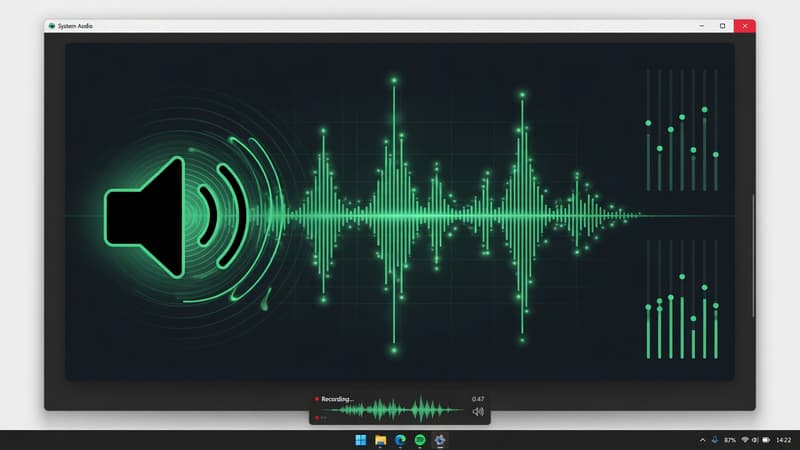 How to Record System Audio With Screen Capture on Windows
  Pixcreen vs Screen Studio: Honest Comparison (2026)