01
Screen & window capture
Record a specific window or the full display with native capture on Windows, macOS, and Linux.
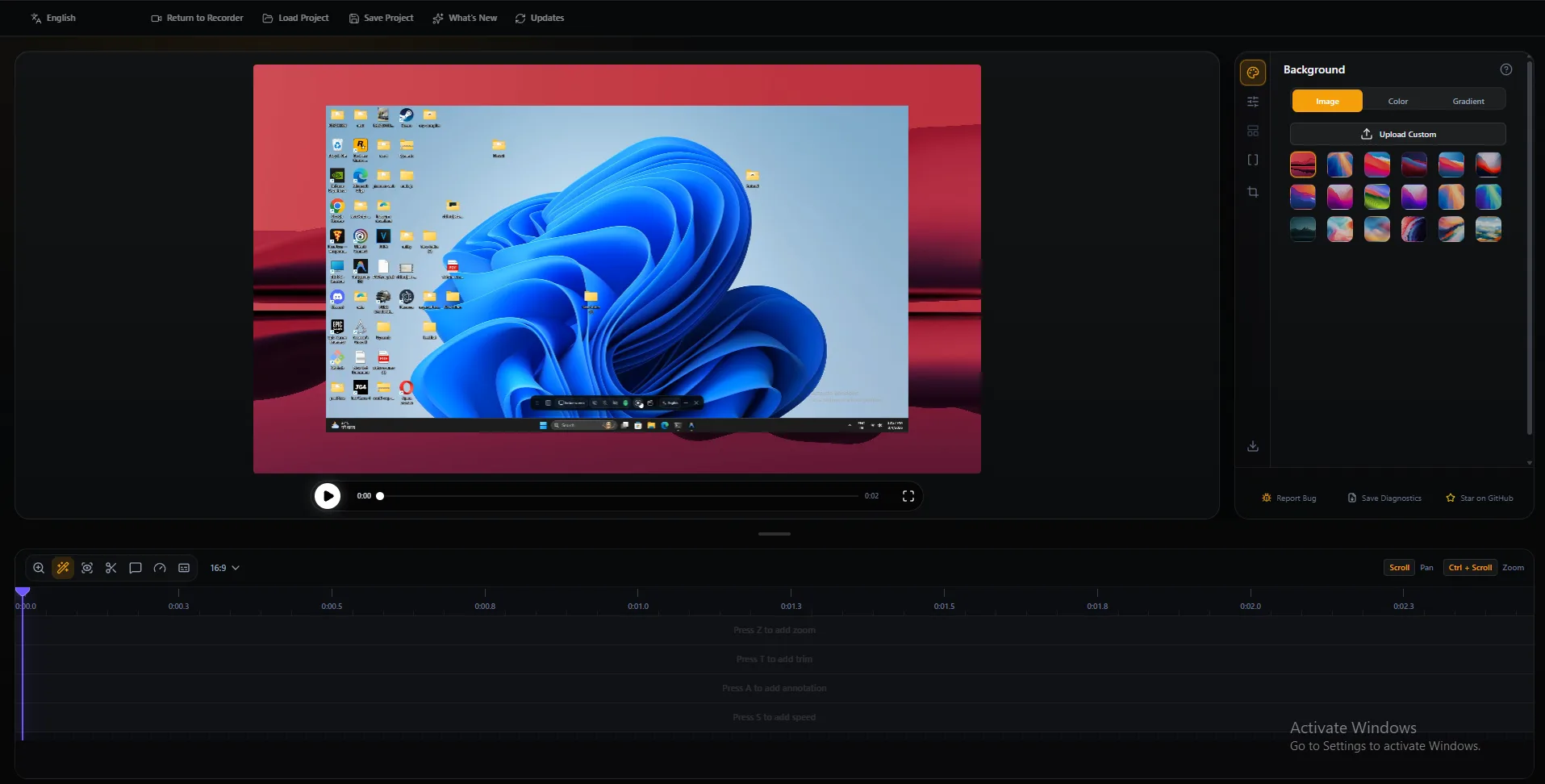
Record stunning product demos, tutorials & walkthroughs that automatically zoom into your clicks. Webcam overlay, AI captions, timeline editing & polished MP4/GIF export — all free, all local, all yours.
Capture, polish, and export without bouncing between a recorder and a separate editor.
Record a specific window or the full display with native capture on Windows, macOS, and Linux.
Capture voiceovers and app sound together so demos sound finished without a second pass.
Overlay your camera with drag position, mirror, and shape options for human product walkthroughs.
Follow the cursor automatically or place precise zooms with depth, duration, and easing controls.
Resize, smooth, theme, and emphasize clicks so UI motion stays clear on mobile feeds.
Generate captions offline with local models — no upload required for voiceover transcription.
Local-first privacy, zero subscription, and exports ready for social and docs.
Paid tools like Screen Studio price out indie makers, while basic recorders leave demos looking raw on social feeds.
A desktop recorder-editor that ships the 80% workflow creators need: capture, zoom, captions, backgrounds, timeline polish, and clean export.
SEO guides on demos, zoom, captions, and free Screen Studio alternatives.
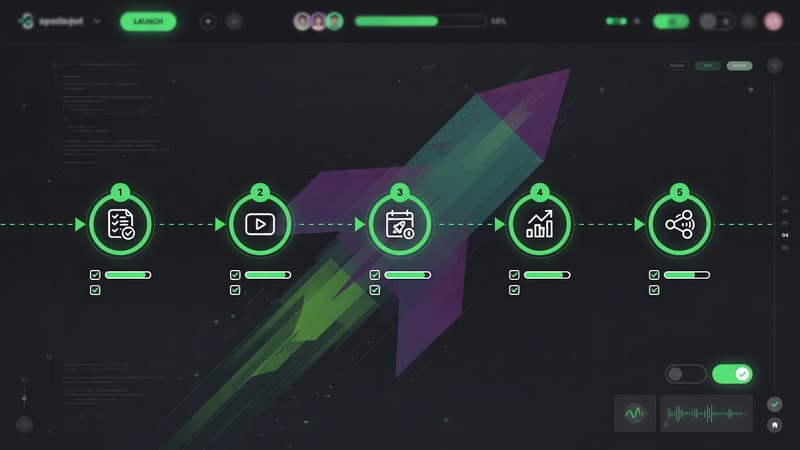
A repeatable product launch video workflow: script, capture, zoom, captions, export, and distribution—with free tools like Pixcreen.
Read →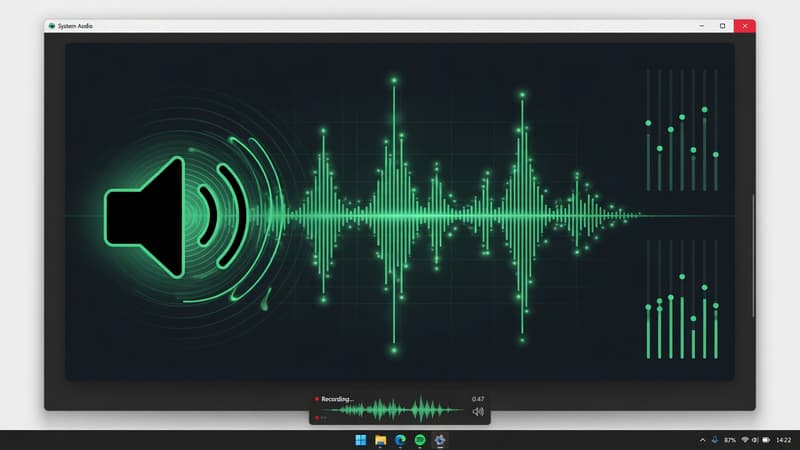
Capture Windows system audio and microphone together with your screen recording. Troubleshooting tips and demo workflows using Pixcreen.
Read →
Compare Pixcreen and Screen Studio on price, platforms, zoom, captions, licensing, and demo workflows so you can choose the right tool.
Read →Structured for search engines and answer engines that extract FAQs.
Pixcreen is a 100% free desktop app for recording your screen and editing polished product demos. It is built as a Screen Studio alternative without subscriptions or watermarks.
Yes. Pixcreen is completely free for personal and commercial use. There are no paid tiers or locked features.
Pixcreen supports Windows, macOS, and Linux. Capture backends differ by OS (Windows Graphics Capture, ScreenCaptureKit, and a browser pipeline on Linux), while the editor and export experience stay consistent.
Pixcreen covers the core demo workflow — record, zoom, captions, backgrounds, timeline edits, and MP4/GIF export — without a monthly fee or subscription tax.
Windows, macOS, and Linux builds on GitHub Releases.