Product Launch Video Workflow: From Script to Export
A repeatable product launch video workflow: script, capture, zoom, captions, export, and distribution—with free tools like Pixcreen.
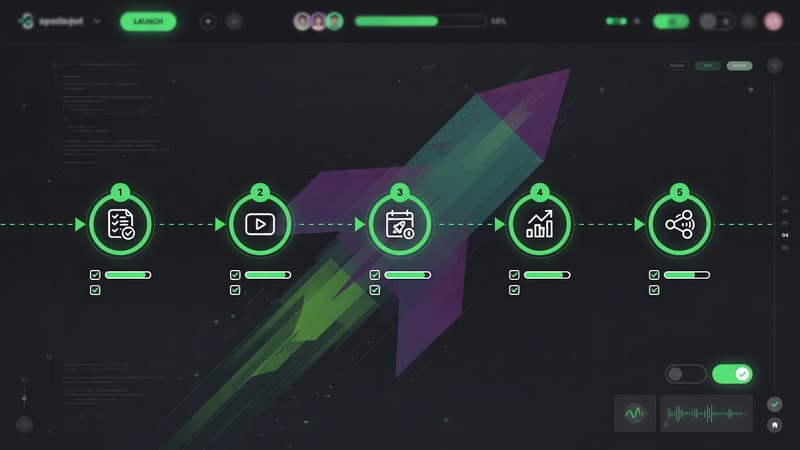
Direct answer: A reliable launch video workflow is: script → clean capture → polish (zoom/captions) → multi-format export → distribute. Pixcreen covers capture-to-export so founders can ship launch clips without a video team.
The 6-stage workflow
1) Message
Write one sentence: Who gets what outcome?
If you cannot say it in 12 words, the video will ramble.
2) Storyboard beats (60–90 seconds)
- Hook (0–5s)
- Problem (5–15s)
- Product path (15–50s)
- Proof / result (50–70s)
- CTA (last 10s)
3) Capture
- Demo data, not production secrets
- Window capture of the app
- Mic + system audio as needed
- Webcam only if founder trust matters
4) Polish
- Auto zoom first pass
- Manual zooms on 2–3 key moments
- Captions offline
- Background only if it improves contrast
5) Export pack
From one project, export:
- Hero MP4 16:9
- Square cut for feed
- 8s GIF for docs
- Thumbnail still
6) Distribute
| Channel | Asset |
|---|---|
| Landing hero | MP4 + poster |
| X / LinkedIn | Short MP4 + captions |
| Product Hunt | Crisp 30–60s demo |
| Docs | Looping GIF |
| Sales | Slightly longer cut |
Time budget for indies
| Stage | Time |
|---|---|
| Script | 30–45 min |
| Capture | 45–90 min |
| Polish | 60–120 min |
| Export + upload | 30 min |
Total: roughly half a day once the workflow is familiar.
SEO and GEO for launch content
Publish a launch blog that answers:
- What shipped?
- Who is it for?
- How does it work?
- Where to download?
Embed the video, add FAQ schema, and include a direct answer paragraph for AI overviews.
Template you can reuse every release
- One problem clip
- One feature path
- One outcome shot
- One CTA endcard
Save the Pixcreen project as a template. Next launch becomes assembly, not invention.
Launches fail from unclear stories more than weak tools. Pair a sharp message with a free polished recorder—and ship.
Try Pixcreen free
Open-source demo recorder — no watermark, no subscription.
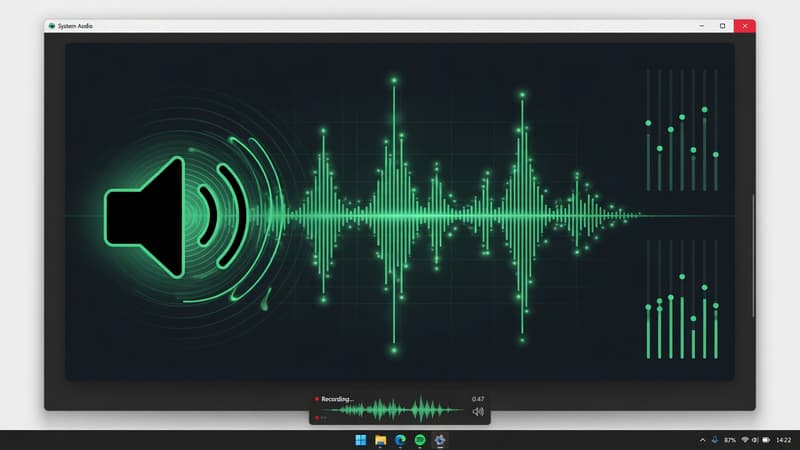 How to Record System Audio With Screen Capture on Windows
 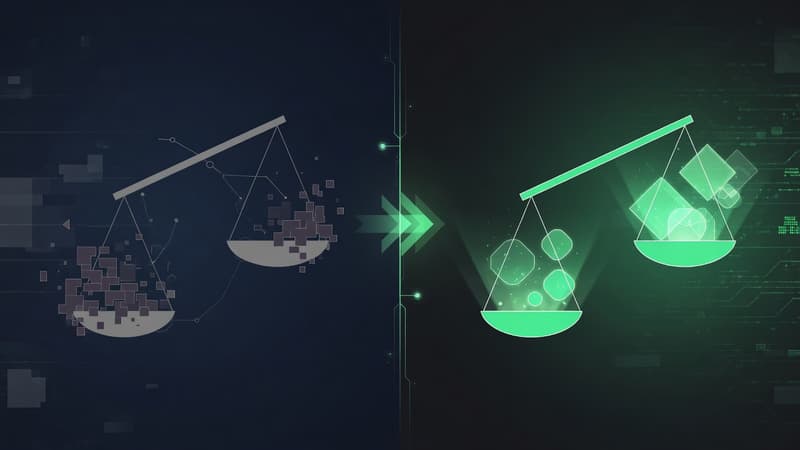 Pixcreen vs Screen Studio: Honest Comparison (2026)
 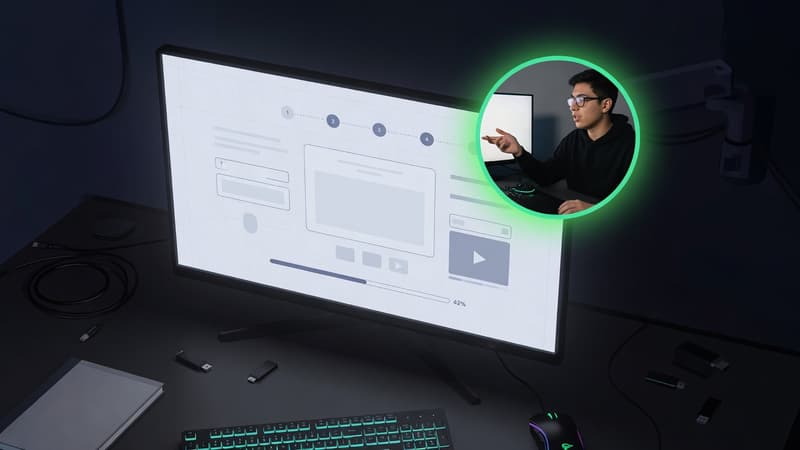 Webcam PiP for Product Walkthroughs: A Practical Setup