export · mp4 · gif · social media
Export Product Demos as MP4 or GIF for Social Media
Choose the right export format for X, LinkedIn, docs, and landing pages. Learn MP4 vs GIF tradeoffs and social-ready settings for Pixcreen demos.
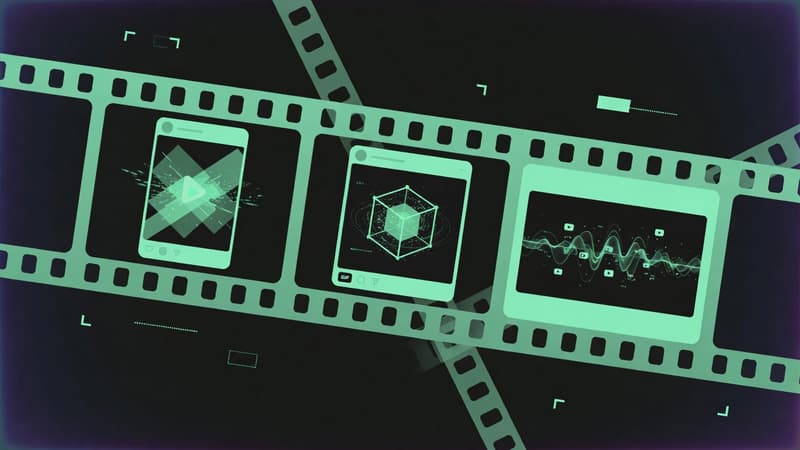
Direct answer: Use MP4 for social posts, landing pages, and YouTube. Use GIF for tiny looping docs embeds and chat previews. Pixcreen exports both without watermarks so you can match each channel.
MP4 vs GIF in one glance
| Factor | MP4 | GIF |
|---|---|---|
| File size | Smaller for long clips | Explodes with length/color |
| Audio | Yes | No |
| Quality | High | Posterized |
| Best length | 15s–3min | 2–8s loops |
| Platforms | Everywhere | Docs, README, Slack |
Platform-oriented recipes
X (Twitter)
- 15–45 seconds
- Hook in first 2 seconds
- Captions burned in if possible
- 16:9 or 1:1
- Slightly longer storytelling OK
- Professional pacing, less whip-zoom
- Strong first frame thumbnail
Documentation / README
- GIF of a single interaction
- Or silent MP4 under 10 seconds
- Crop tightly to the control
Product landing page
- Hero MP4, muted autoplay-friendly
- Poster image for LCP
- Reduce resolution if bandwidth hurts conversions
Export settings that actually matter
- Aspect ratio — shoot with the end ratio in mind when possible.
- Resolution — 1080p is enough for most social; 4K rarely helps.
- Length — cut ruthlessly; speed-ramp dead air.
- Cursor — scale up for mobile readability.
- Captions — treat as design, not afterthought.
File naming for SEO and teams
Bad: finalfinal3.mp4
Good: pixcreen-auto-zoom-demo-1080p.mp4
Names help CMS search, CDN caches, and teammate sanity.
Common export failures
- 60-second GIF for a full tour (megabyte disaster)
- No audio on a narrated story MP4
- Letterboxing from mismatched ratios
- Watermarks from freemium tools—avoid by using free Pixcreen
Workflow tip
Keep a master project (.pixcreen) and export channel cuts from the same timeline. One source of truth beats five conflicting edits.
Pick format by job to be done, not habit. MP4 tells; GIF loops the aha.
Try Pixcreen free
Open-source demo recorder — no watermark, no subscription.
 Product Launch Video Workflow: From Script to Export
  How to Record System Audio With Screen Capture on Windows
  Pixcreen vs Screen Studio: Honest Comparison (2026)