Offline Captions for Demo Videos: Why On-Device Beats Upload
Generate captions for product demos without uploading audio. Learn why offline, on-device captions improve privacy, speed, and SEO accessibility.
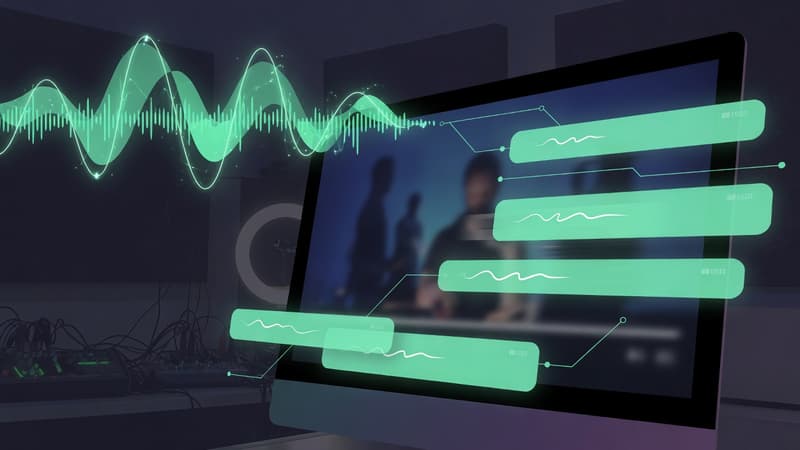
Direct answer: Offline captions run transcription on your machine so demo audio never needs cloud upload. That is better for private products, NDAs, and faster iteration. Pixcreen generates captions on-device for voiceovers.
Why captions are non-negotiable
- Most social video starts muted
- Captions boost watch time and comprehension
- Accessibility is both ethics and reach
- Search engines and answer engines prefer clear text context on pages that embed demos
Cloud captions vs on-device
| Factor | Cloud STT | On-device (Pixcreen) |
|---|---|---|
| Privacy | Audio leaves device | Stays local |
| Offline work | No | Yes |
| NDA / enterprise | Risk reviews | Safer default |
| Iteration | Wait on upload | Instant retries |
| Cost | Metered often | Free in-app |
How to write captions that convert
Even automatic captions need a human pass:
- Fix product names and brand casing.
- Break lines near natural pauses.
- Keep 1–2 lines on screen.
- Avoid covering critical UI—reposition if needed.
- Sync tightly on feature names and CTAs.
SEO + AEO benefit
When you publish a landing page or blog with a demo, include:
- A short transcript excerpt
- Alt text on the cover image
- Schema on the article
- Captioned video files when possible
Answer engines extract Q&A more reliably when the page already states the answer in text—not only inside a silent MP4.
Workflow with Pixcreen
- Record narration cleanly.
- Generate captions offline.
- Edit misheard technical terms.
- Export for social with burned-in or sidecar captions depending on platform.
Privacy checklist for teams
- No customer PII in sample data
- No internal hostnames on screen
- Captions reviewed before public post
- Prefer local tools for unreleased features
Captions are not a late add-on. They are part of the product story—and offline generation keeps that story under your control.
Try Pixcreen free
Open-source demo recorder — no watermark, no subscription.
 Product Launch Video Workflow: From Script to Export
  How to Record System Audio With Screen Capture on Windows
  Pixcreen vs Screen Studio: Honest Comparison (2026)