Auto Zoom Screen Recording Explained (And When to Use Manual)
Learn how auto zoom works in screen recording tools, when manual zooms win, and how to create focus-driven product demos with Pixcreen.
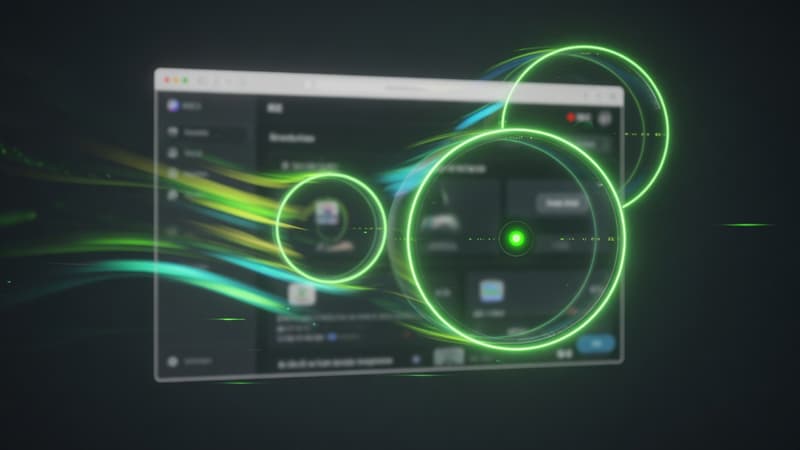
Direct answer: Auto zoom tracks your cursor (and key moments) so viewers always see the active UI control. Use auto zoom for fast walkthroughs; switch to manual zooms when you need precise depth, timing, and easing on launch videos.
Why zoom changed product videos
Phone-first feeds kill tiny UI. Without zoom, buttons vanish. Auto zoom popularized by tools like Screen Studio fixed that by treating the cursor as a camera target.
How auto zoom typically works
Under the hood, the editor estimates:
- Cursor position over time
- Regions worth magnifying
- Smooth camera motion (easing)
- Safe padding so UI is not cropped awkwardly
Pixcreen supports auto zoom that follows work, plus manual control for depth, duration, and position.
Auto zoom strengths
- Speed: record once, polish fast
- Consistency: less “forgot to zoom” risk
- Great for internal demos and changelog clips
Auto zoom weaknesses
- May over-zoom on large layouts
- Can feel motion-sick if easing is aggressive
- Might miss intentional still moments
When manual zoom is better
Use manual zooms for:
- Marketing hero videos
- Pricing page highlights
- Multi-step forms where path is non-linear
- Side-by-side comparisons
Dial depth, duration, and easing so motion feels intentional, not random.
Practical recipe
- Record at a comfortable pace—do not race the cursor.
- Apply auto zoom as a first pass.
- Delete zooms that fight the story.
- Insert manual zooms on the 3 money moments.
- Export and watch on a phone.
Accessibility note
Heavy zoom + fast pan hurts vestibular-sensitive viewers. Prefer fewer, slower zooms with readable captions.
SEO angle
Posts titled “auto zoom screen recording” attract creators comparing tools. Pair this content with a clear product CTA: free download, no watermark, open source.
Zoom is not decoration—it is visual prioritization. Use auto for velocity, manual for craft.
Try Pixcreen free
Open-source demo recorder — no watermark, no subscription.
 Product Launch Video Workflow: From Script to Export
  How to Record System Audio With Screen Capture on Windows
  Pixcreen vs Screen Studio: Honest Comparison (2026)